All Badges in BlockyTubbies
Master checklist for exploration badges, tools, and hard secrets across every map.
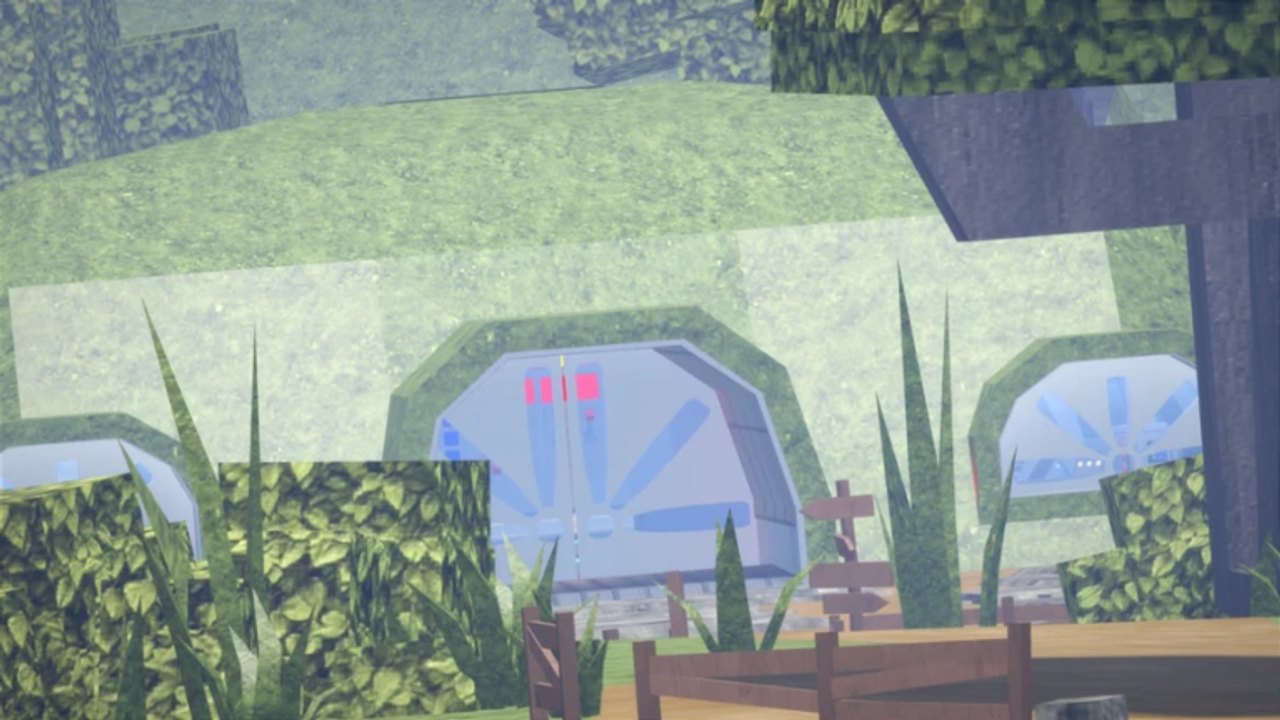
This is the master BlockyTubbies badge guide for the live Roblox morph roleplay. Badges reward exploration, tool pickups, references, and seasonal events. Interactable positions can move after updates, so treat every location note as a verified starting point, then confirm in your server and on Updates. If you are brand new, finish Getting Started first so you already have teleports, keycard, and axe before attempting longer hunts.
Use the mid-page video for a full visual pass of currently obtainable badges, then use the written list below as your checklist. Cross-link seasonal work to Scythe Badge and Halloween puzzle codes when those events return.
How to hunt badges efficiently
- Teleport map-by-map instead of wandering; group nearby objectives.
- Prefer quiet or private servers for tiny props, vents, and shovel digs.
- Keep keycard and axe equipped when a route mentions locked doors or breakables.
- Enable shift-lock for first-person or tight third-person clicks (important for Gordon?).
- Revisit Digging and Lake islands after patches; the shovel has moved before.
- Track which badges grant tools versus pure achievement so you know what to equip later.
Core and early badges
Welcome
Usually awarded when you join or complete a basic onboarding step. If it does not appear, rejoin once and confirm you are on the main BlockyTubbies place rather than a related older experience.
Lucky Guy
Requires meeting a developer or staff member in-game. This is rare by design. Watch for Real_Reard / T0pH4t Studios presence, Discord event calls, or lucky public-server encounters. Do not expect a fixed prop.
Yummers
Earn this by collecting and consuming enough Custards. It pairs naturally with early farming for Toast budget. Run Custard Facility and other dense maps until the badge pops, then convert remaining Custards so the grind also funds Create an OC.
SCP Reference
A reference-themed interactable typically found in a facility or containment-flavored area. Explore Research Lab and similar interiors thoroughly, clicking unusual props until the badge awards. Bring the keycard if doors block the room.
Chop-Chop
Tied to axe or chopping interactions. If you already grabbed the beginner axe from Getting Started, revisit marked wooden or breakable props on outdoor and cabin-adjacent maps until the badge triggers.
Shine Bright
Usually linked to a light, crystal, or glowing prop. Check elevated spots, caves, and decorative lights with shift-lock so you do not miss a small prompt.
Mining and Stuff
Exploration badge associated with mining props or cave tools. Sweep Cave and related underground areas, interact with ore-like objects, and keep an eye out for pickaxe-style pickups.
Well done pal!
A completion-style or NPC-interaction badge. Talk to or interact with the relevant character or terminal when you find the prompt; some players clear nearby objectives first if the NPC only responds after a small task.
Mid-tier exploration badges
Hot One
Expect heat, fire, or flamethrower-adjacent interactions. Military Base, facility maps, and outdoor hazard props are common hunting grounds. Approach carefully so you click the intended object rather than dying to environmental jokes the map may include.
Someone was here
A longer secret route that historically involves multi-step exploration (vents, hidden rooms, or layered props). Watch a trusted clip if you stall, then replicate slowly with shift-lock. Several players also pick up combat knife or lantern style tools while solving adjacent cave secrets.
Butcher
Combat or melee themed. Look for knife, cleaver, or butcher-station props and complete the required interaction or takedown condition described by current videos.
Digging
Requires a shovel dig. Older guides pointed at Military Base or Custard Facility spots; community reports later moved the shovel toward Teletubby Lake islands. Teleport to Lake, search islands thoroughly, dig at the marked ground, and ignore outdated single-spot tutorials if the prop is gone.
There is Exit!
Often associated with Backrooms-like or exit-door sequences. Players historically used precise movement near dark thresholds or satellite-adjacent voids. Follow a current visual guide and avoid repeating unsafe noclip myths that no longer work.
Snap!
A quick interaction badge (camera, snap, or sudden prop). Use shift-lock, stand close, and click when the prompt appears. Retry if latency eats the first attempt.
Heh true og…
An OG or legacy recognition badge. Requirements may involve older map knowledge, a specific emote, or a hidden classic prop. Check Updated 2026 videos if the written rumor mill conflicts.
Gordon?
Half-Life crowbar reference. Find the crowbar prop, switch to first person if needed, and click it directly. Some players report third-person clicks failing until they aim carefully at the handle.
Hard, seasonal, and story-adjacent badges
Scythe (Halloween orbs)
Solve the seasonal puzzle, then collect roughly fourteen orbs across maps (Research Lab, Lobby, Teletubby Land, Secret Lair, Cave, Mountains, Outskirts, Satellite Station, Custard Facility, Dream / Laa-Laa’s Dream, Military Base, Teletubby Lake, Cabin, Training Maze). Full route: Scythe Badge. Availability is typically limited to Halloween windows and may change next year.
Freedom
A longer multi-step badge with its own dedicated tutorials. Expect extended exploration, careful platforming, or chained interactables. Clear easier badges first so you already know map teleports cold. Full route write-up: Freedom Badge.
Nightmare
Horror-leaning or dream-map secret. Dream / Laa-Laa’s Dream and dark facility spaces are natural starting points. Bring patience and a quiet server. Full route write-up: Nightmare Badge.
Beginner tools reminder
Keycard and axe are beginner tools that unlock doors and breakables used across this list. If any badge stalls on a locked door, return to the Getting Started tool section before assuming the badge is broken.
Suggested completion order
- Welcome, Yummers, Chop-Chop, Shine Bright
- Mining and Stuff, Hot One, Gordon?, Snap!
- Digging (Lake islands), SCP Reference, Well done pal!, Butcher
- Someone was here, There is Exit!, Heh true og…
- Seasonal Scythe when live; Freedom and Nightmare when you want long secrets
- Lucky Guy whenever a developer appears
Related pages
Return to the Guides Hub for OC, animation, and Campaign links. Redeem helpers on Codes, compare morphs on the Tier List, read Players, and use Scripts or Tools only for quality-of-life helpers that comply with Roblox rules. After every major patch, re-verify Digging, orb lists, and any vent routes before blaming your own timing.
Badge hunting in BlockyTubbies is part scavenger hunt and part community knowledge. Keep this checklist, watch the Updated 2026 overview video, and adjust locations whenever T0pH4t Studios moves a prop.
Frequently Asked Questions
Quick answers to the most common BlockyTubbies questions.
Where did the Digging shovel move?
Community reports moved it from older Military Base or facility spots to Teletubby Lake islands after updates. Search the islands thoroughly if classic coordinates fail.
How do I get the Gordon? badge?
Find the crowbar reference prop and click it, preferably in first person with a stable camera. Third-person mis-clicks are a common reason it fails to award.
Is Lucky Guy obtainable on demand?
No. You must meet a developer or staff member in-game. Watch Discord announcements and public servers during events for better odds.
Are Halloween Scythe badges permanent?
Historically they are seasonal. Complete the puzzle and orb route while the event is live; the next Halloween may use a different method.
What should I unlock before hard badges?
Learn teleports, grab keycard and axe, and finish easy badges like Yummers and Chop-Chop so multi-step secrets are less frustrating.
Do badge locations change after updates?
Yes. Always re-check this guide against current videos and the Updates hub after patches before assuming a badge is removed.