Getting Started in BlockyTubbies
Controls, teleports, beginner tools, and a first-hour plan for the Roblox morph RP.
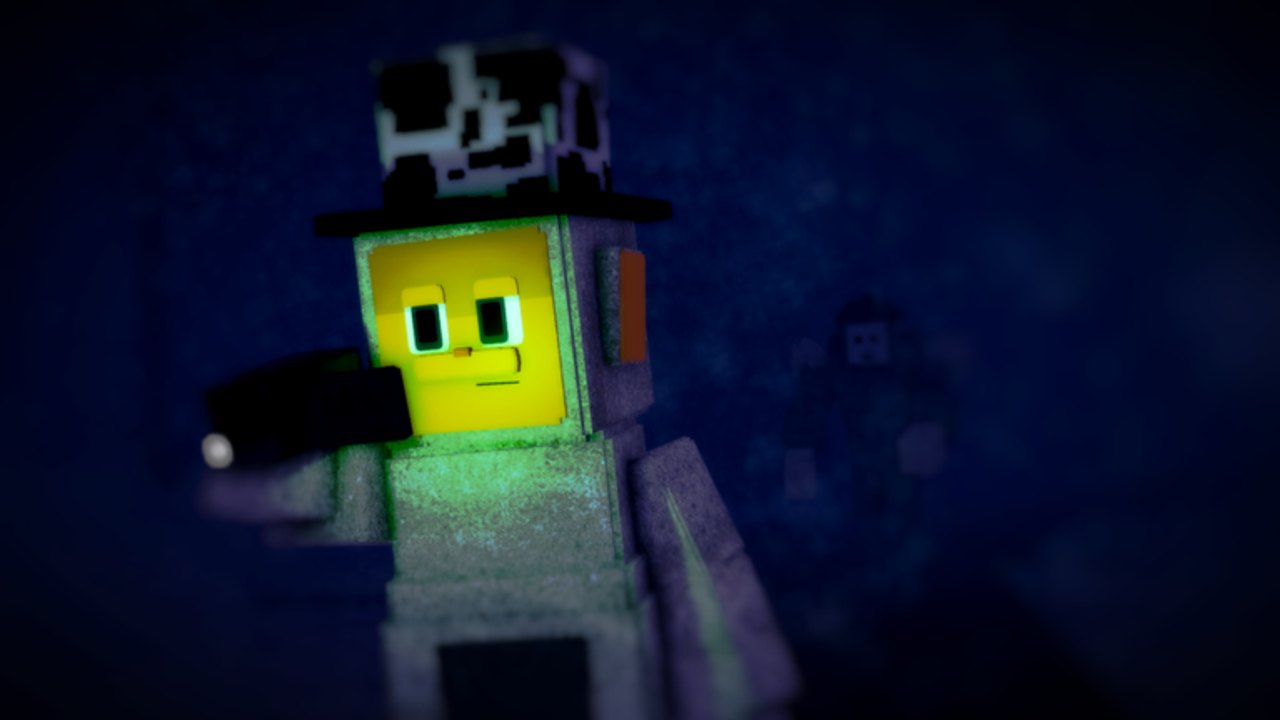
BlockyTubbies is a Slendytubbies-style morph roleplay on Roblox created under T0pH4t Studios (Real_Reard). You explore blocky maps, morph into premade characters or original characters, farm Custards, convert them into Toasts for OC budget, and chase badges that unlock tools or bragging rights. This beginner guide gets you oriented in the Lobby, comfortable with teleports, equipped with early tools, and ready for the rest of the Guides Hub.
Join, Lobby, and first impressions
Open the official place, favorite it, and land in the Lobby. Servers hold up to about sixty players, so expect crowds, voice-free text RP, and plenty of morphs running around. Spend a minute reading on-screen prompts, finding the morph or OC menus, and locating the teleport UI that jumps you between maps. Do not rush straight into badge hunting until you can return to Lobby on demand; getting lost without teleports wastes more time than anything else on day one.
Useful early destinations from Lobby include Teletubby Land for open roleplay space, Custard Facility for farming loops, Cave and Mountains for exploration badges, and quieter corners such as Cabin or Training Maze when you want fewer players in your way. Bookmark the community Discord (discord.gg/t0ph4t-studios-874528013113499669) so you hear when props move after updates.
Controls that matter
- Move with WASD and look with the mouse or touch camera.
- Interact with E or click when a prompt appears on doors, props, custards, tools, and badge triggers.
- Enable shift-lock when you need stable aiming around small interactables, vents, or orb spots.
- Use the in-game teleport UI instead of walking every map connection; it is the backbone of badge routes.
- Open morph, OC, and inventory panels from the game UI rather than guessing hotkeys every session.
Mobile players should practice camera drag before hard badges. Many Digging, Snap!, and orb steps are easier with a locked third-person view and deliberate clicks.
Beginner tools: keycard and axe
Two of the most important early pickups are the keycard and the axe. They open restricted doors, cut through simple barriers, and appear in several badge or exploration routes later. Follow a short beginner video mid-page for the current interactable locations, then verify in your own server because updates can nudge props. Once you own both tools, practice opening a locked door and chopping a marked object so the interactions feel muscle-memory before you attempt longer chains such as Someone was here or seasonal events.
Keep the tools equipped when you teleport; some servers require you to re-select gear after morphing. If a door refuses the keycard, confirm you are on the correct map and that you are interacting from the prompted side rather than clipping through geometry.
Custards, Toasts, and why farming matters
Custards are the primary collectible sprinkled across maps. Pick them up as you explore, then convert them into Toasts according to the in-game economy rules. Toasts feed the OC maker budget, so creators who skip farming hit a wall when they want more detailed masks, accessories, or multiple characters. Efficient loops often include Custard Facility plus any dense outdoor routes you learn from other players.
Tips for faster early farming:
- Prefer a private server or low-population public instance so other players are not vacuuming the same spawns.
- Teleport between known dense maps instead of wandering empty outskirts for ten minutes.
- Combine farming with light badge progress so every trip has two payoffs.
- Convert Custards regularly so you always know your Toast budget before opening the OC editor.
- Recheck Codes for any promo that grants currency or cosmetics and saves grind time.
First-hour checklist
- Learn Lobby teleports and visit at least five maps once.
- Unlock the keycard and axe, then test both interactions.
- Collect a starter pile of Custards and convert some to Toasts.
- Claim the Welcome badge if it has not auto-awarded, then attempt Yummers by eating enough Custards.
- Skim All Badges and mark easy targets such as Chop-Chop or Shine Bright for your next session.
- Try one premade morph and open the OC maker long enough to understand budget costs.
- Decide whether tonight is RP night, badge night, or Campaign night on the separate story place.
Maps worth learning early
- Lobby — hub, teleports, social space.
- Teletubby Land — classic RP grounds and several interactables.
- Outskirts / Mountains / Cave — exploration and badge props.
- Custard Facility — farming and facility-themed secrets.
- Satellite Station / Military Base / Research Lab — tech and military set pieces used by many hunts.
- Secret Lair / Cabin / Training Maze — quieter or puzzle-leaning spaces.
- Teletubby Lake — islands matter for Digging after shovel moves.
- Dream / Laa-Laa’s Dream — surreal map often tied to secrets or seasonal steps.
What to do next
Badge collectors should open All Badges and plan a route that groups nearby maps. During Halloween windows, jump to Scythe Badge and any Halloween puzzle codes. Creators should continue with Create an OC, OC codes, and Custom Animations. Story fans can leave the RP place and follow Campaign Chapter 0 Walkthrough. Compare morphs on the Tier List, browse Players, and watch Updates so your beginner habits stay aligned with the live game.
You do not need every badge on day one. Master teleports, tools, and Custard loops first. Everything else in BlockyTubbies becomes easier once those three habits are automatic.
Frequently Asked Questions
Quick answers to the most common BlockyTubbies questions.
What are the basic BlockyTubbies controls?
Use WASD to move, E or click to interact, and enable shift-lock for precise camera work. Rely on the teleport UI to hop between maps instead of walking every connection.
Why do I need the keycard and axe so early?
They open locked doors and break simple barriers used in exploration and badge routes. Grab both in your first session so later guides do not stall on missing tools.
How do Custards and Toasts work?
Collect Custards across maps, then convert them into Toasts. Toast budget funds OC creation and upgrades, so farming is required if you want custom characters beyond premade morphs.
Should I use a private server as a beginner?
Yes for farming and careful badge steps. Private or quiet servers reduce competition for Custard spawns and make tiny interactables easier to click without crowd interference.
Where should I go after this guide?
Read All Badges for a full checklist, Create an OC if you want custom morphs, or Campaign Chapter 0 if you prefer the separate story place.