BlockyTubbies Scythe Badge and Halloween Orbs
Puzzle steps, orb map order, and tips for the seasonal scythe accessory.
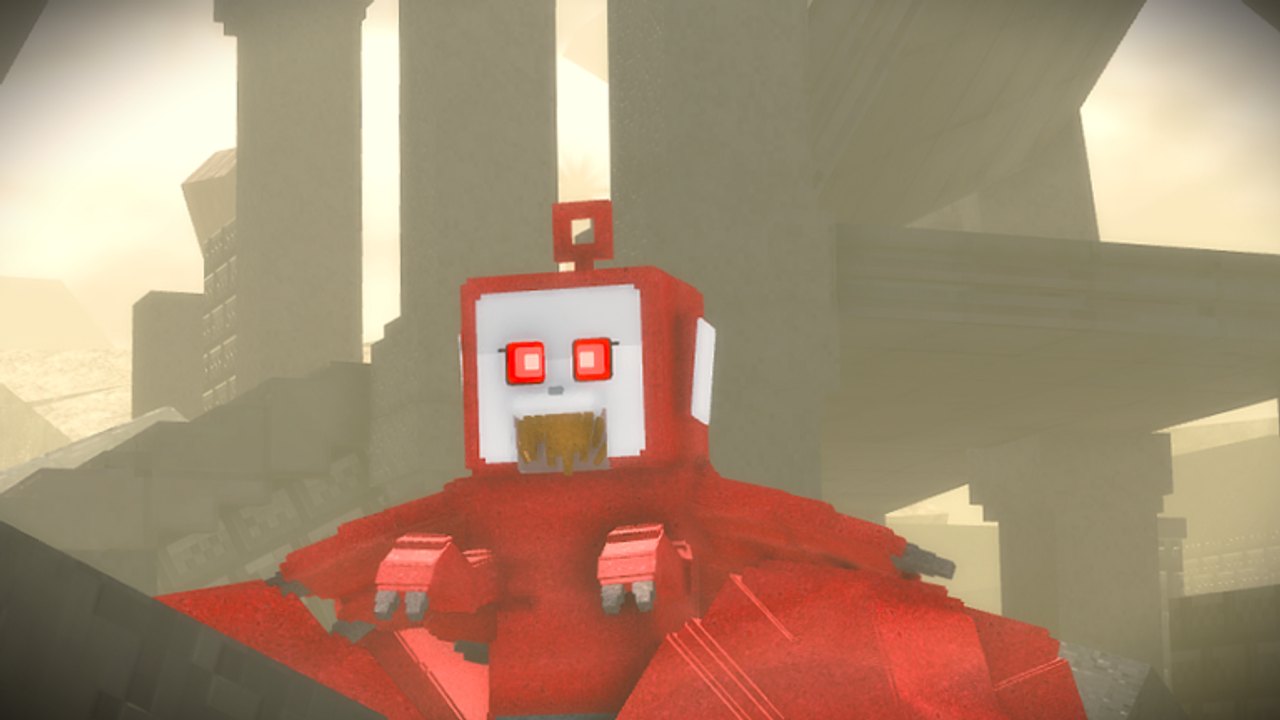
The Scythe badge and accessory are among the most requested seasonal rewards in BlockyTubbies. Historically, Halloween updates ask you to solve an opening puzzle and then collect roughly fourteen glowing orbs scattered across the teleportable maps. Completing the set awards the scythe tool or accessory plus related badges. This guide explains the structure of the hunt, a practical orb order, and how to recover when props move. Pair it with All Badges for the rest of the checklist and Halloween puzzle codes if redeemable strings ship with the event.
Availability note: community creators have stated the scythe route is typically Halloween-limited and may change next year. If orbs are missing outside October, wait for the next event or confirm on Updates and the T0pH4t Studios Discord.
Before you start
- Finish Getting Started so teleports, keycard, and axe feel natural.
- Use a private or quiet server; orb clicks are easy to miss in sixty-player chaos.
- Enable shift-lock for small floating orbs and cave sections.
- Keep a written checklist of the fourteen maps so you do not double-clear Lobby while skipping Training Maze.
- Watch the mid-page video once for puzzle visuals, then follow the text route at your own pace.
Step 1: Solve the Halloween puzzle
The event usually begins with a puzzle in or near a landmark building (often a house or special Halloween prop in Teletubby Land or Lobby-adjacent space). Interact with marked blocks, faces, or switches in the order shown by current tutorials. Past seasons used a white block sequence that later became a troll-face variant, so do not memorize only one screenshot from last year.
Tips while solving:
- Stand close and wait for the prompt before spamming click.
- If nothing happens, rejoin the server or confirm the event is live.
- Some puzzle pieces only appear after a prior interaction; follow the video chapter timestamps rather than inventing your own order.
- After success, the game typically enables orb collection or points you toward the first orb map.
Step 2: Collect about fourteen orbs
Historical orb order from detailed community routes:
- Research Lab — search labs, desks, and side rooms for the first glow.
- Lobby — check corners, decorations, and elevated props near the hub.
- Teletubby Land — sweep hills, houses, and open fields.
- Secret Lair — inspect hideouts, tunnels, and shadowed niches.
- Cave — bring patience; caves hide orbs behind rocks and vertical drops.
- Mountains — check ledges and overlooks, not only the trail floor.
- Outskirts — walk the perimeter props and abandoned set pieces.
- Satellite Station — scan antennas, interiors, and catwalks.
- Custard Facility — combine with Custard farming while you search rooms.
- Dream / Laa-Laa’s Dream — surreal lighting can camouflage orbs; slow down.
- Military Base — check barracks, yards, and restricted corners with keycard if needed.
- Teletubby Lake — islands and shoreline props both matter.
- Cabin — interior shelves and exterior porch areas.
- Training Maze — final orb often sits deep in maze corridors.
Numbers can shift if the developers add or remove a map from the event. If you finish thirteen and nothing awards, re-clear Cave and Dream first; those two hide orbs most often.
Step 3: Claim the scythe and badges
After the last orb, return to the indicated claim spot or wait for the automatic award. You should receive the scythe accessory or tool plus the seasonal badge pair covered in the video (sometimes titled as multi-part Halloween badges). Equip the scythe from your inventory or accessory menu and verify it appears on your morph.
If the badge pops but the accessory does not, rejoin once, check gamepass versus badge ownership rules for that season, and read Discord patch notes. Do not buy random third-party promises of scythe unlocks.
Troubleshooting
- No puzzle props: Event may be off; confirm date and Updates.
- Orb missing on a map: Another player may have pathing blocked; try a private server. Also search vertically.
- Cave looks different: Geometry updates happen; use landmarks from the newest video, not year-old thumbnails.
- Troll face instead of old block: Follow the new interaction, not the outdated white-block script.
- Fell into void in vents: Move slower, use shift-lock, and avoid copying unsafe noclip tricks from unrelated badges.
Farming and RP while you hunt
Orb routes naturally visit Custard Facility and Lake. Pick up Custards as you go, convert them to Toasts, and bank budget for Create an OC after the event. Premade morphs look great with a seasonal scythe for lobby screenshots, and custom animations from Custom Animations make victory emotes cleaner.
Related guides and hubs
- Full non-seasonal list: All Badges
- Beginner tools if doors block orb rooms: Getting Started
- Story place after the event: Campaign Chapter 0 Walkthrough
- Codes and seasonal strings: Codes Hub, Halloween puzzle codes
- Meta pages: Tier List, Players, Scripts, Tools, Guides Hub
Treat the Scythe hunt as a timed scavenger race across every major BlockyTubbies map. Solve the puzzle carefully, teleport methodically through the fourteen orb stops, and claim the accessory before the Halloween window closes.
Frequently Asked Questions
Quick answers to the most common BlockyTubbies questions.
Is the Scythe badge available all year?
Historically it is Halloween-limited. Outside the event, orbs and puzzle props may be disabled or replaced next season.
How many orbs do I need for the scythe?
Community routes describe about fourteen orbs across maps after the opening puzzle. Count your checklist and re-sweep Cave or Dream if one is missing.
What maps host Scythe orbs?
Typical stops include Research Lab, Lobby, Teletubby Land, Secret Lair, Cave, Mountains, Outskirts, Satellite Station, Custard Facility, Dream, Military Base, Teletubby Lake, Cabin, and Training Maze.
Why does the puzzle look different from older videos?
Developers have swapped puzzle visuals (for example white blocks to troll faces). Always follow a tutorial filmed for the current Halloween patch.
Should I use a private server for orbs?
Yes. Quiet servers make small glowing orbs easier to see and click without crowd interference.